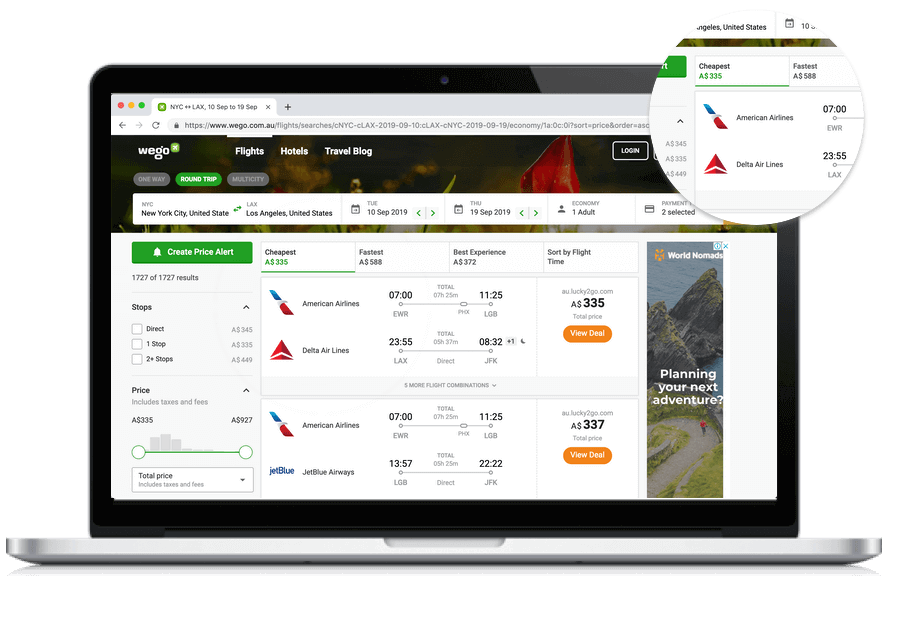
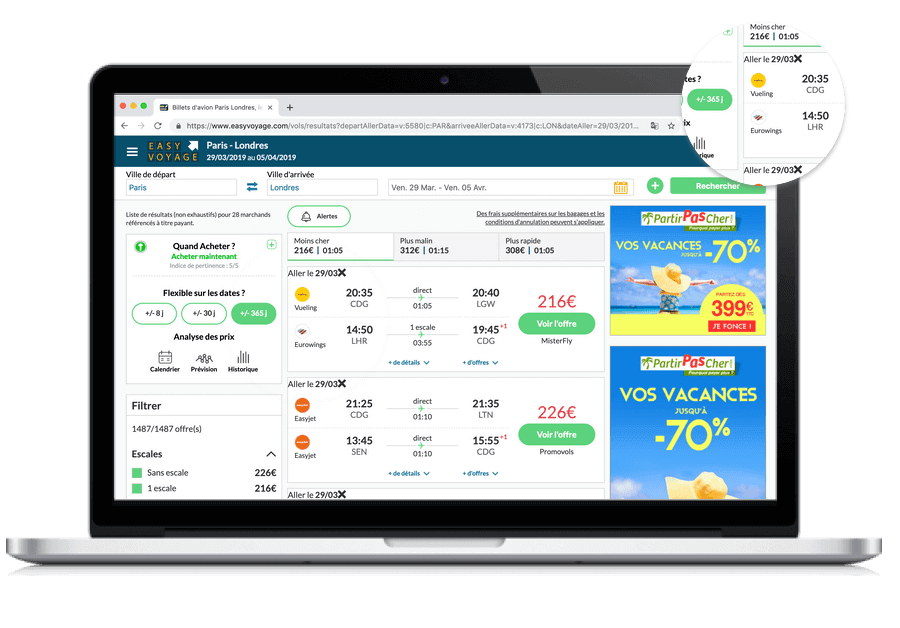
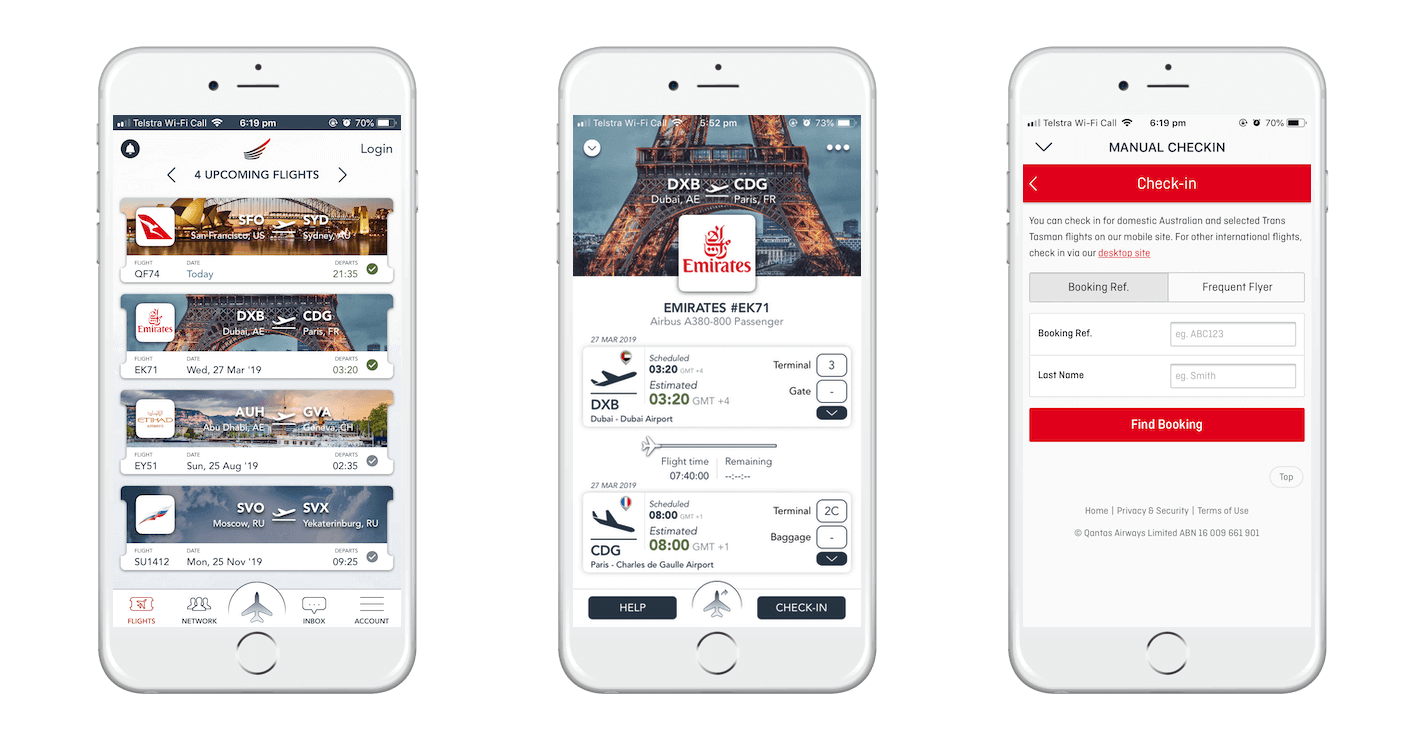
Note: This endpoint dynamically generates airline logos in various formats (square, rectangular, tail, flipped tail, and circular logos) with support for SVG, PNG, GIF, and JPEG.
View all available API endpoints .
Please note that using the API with the demo or no API key may show outdated logos.
Get an API key to get the most recent airline logos.
Airline logo API endpoint usage guide
Step 1: Define Airline Logo URL Structure
PNG, GIF, JPEG logos:
https://content.airhex.com/content/logos/airlines_AIRLINECODE_WIDTH_HEIGHT_TYPE.png (.gif,.jpg)
SVG logos:
https://content.airhex.com/content/logos/airlines_AIRLINECODE_TYPE.svg
Where:
AIRLINECODE: 2-letter IATA or 3-letter ICAO airline code (e.g., DL).
WIDTH & HEIGHT (PNG only): Logo dimensions in pixels.
TYPE:
r - Rectangular logo (3.5:1 ratio)
s - Square logo (1:1 ratio)
t - Tail logo
f - Flipped tail logo
c - Circular logo (1:1 ratio, masked to a circle)
Example (PNG):
https://content.airhex.com/content/logos/airlines_DL_350_100_r.png
Step 2: Generate MD5 Hash for API Authentication
Construct a string from your parameters and API key, then generate an MD5 hash from this string.
For PNG, GIF, JPEG logos, the string format is: AIRLINECODE_WIDTH_HEIGHT_TYPE_APIKEY
Example (PNG):
String for hashing: DL_350_100_r_1234567890
MD5 Hash result: 4c11196e7a8fed18dbf727688ac7cbf5
For SVG logos, the string format is: AIRLINECODE_TYPE_APIKEY
Example (SVG):
String for hashing: DL_r_1234567890
MD5 Hash result: 266751cb5912092c8d50f69ca7417e77
Step 3: Complete Airline Logo API URL
Add the MD5 hash to your URL as the md5apikey parameter.
PNG, GIF, JPEG:
https://content.airhex.com/content/logos/airlines_AIRLINECODE_WIDTH_HEIGHT_TYPE.png?md5apikey=MD5_HASH
SVG:
https://content.airhex.com/content/logos/airlines_AIRLINECODE_TYPE.svg?md5apikey=MD5_HASH
Example URLs:
https://content.airhex.com/content/logos/airlines_DL_350_100_r.png?md5apikey=4c11196e7a8fed18dbf727688ac7cbf5
https://content.airhex.com/content/logos/airlines_DL_r.svg?md5apikey=266751cb5912092c8d50f69ca7417e77
Note: SVG logos require an active license. Contact us for SVG support.
Step 4: Optional Parameters
Dark Theme Logo
Use the theme=dark parameter to get a logo optimized for dark backgrounds. The API will automatically select or generate a version with better visibility on dark surfaces. Alternatively, you can use dark=1 for the same effect.
https://content.airhex.com/content/logos/airlines_DL_350_100_r.png?theme=dark
Note: Available values are theme=light (default) or theme=dark. You can also use the legacy parameter dark=1 instead of theme=dark.
Maintain Aspect Ratio
Use the proportions=keep parameter to preserve the logo's original aspect ratio:
https://content.airhex.com/content/logos/airlines_DL_700_100_r.png?proportions=keep
Custom Background Color
Use the background=hexcolor parameter to define a custom logo background color:
https://content.airhex.com/content/logos/airlines_DL_350_100_r.png?background=3399cc
Looking to remove watermarks or unlock vector logos?
Request a License